Jabra Logo
Jabra Logo

Rozpocznij pracę z produktem

Materiały dotyczące wsparcia

Dokumenty

Loading component...

Najczęściej zadawane pytania

Loading component...

Oprogramowanie układowe i oprogramowanie

Loading component...

Informacje o najnowszej wersji

Loading component...

Znajdź numer seryjny

Znajdź numer seryjny produktu przed sprawdzeniem gwarancji.

Możliwości wydłużenia przewodu

Kontakt z działem pomocy Jabra

Warunki gwarancji

Przeczytaj nasze informacje dotyczące gwarancji i serwisu produktów biznesowych

Rejestracja produktu

Otrzymuj wiadomości od Jabra, oferty i wskazówki bezpośrednio na swoją skrzynkę odbiorczą

Akcesoria

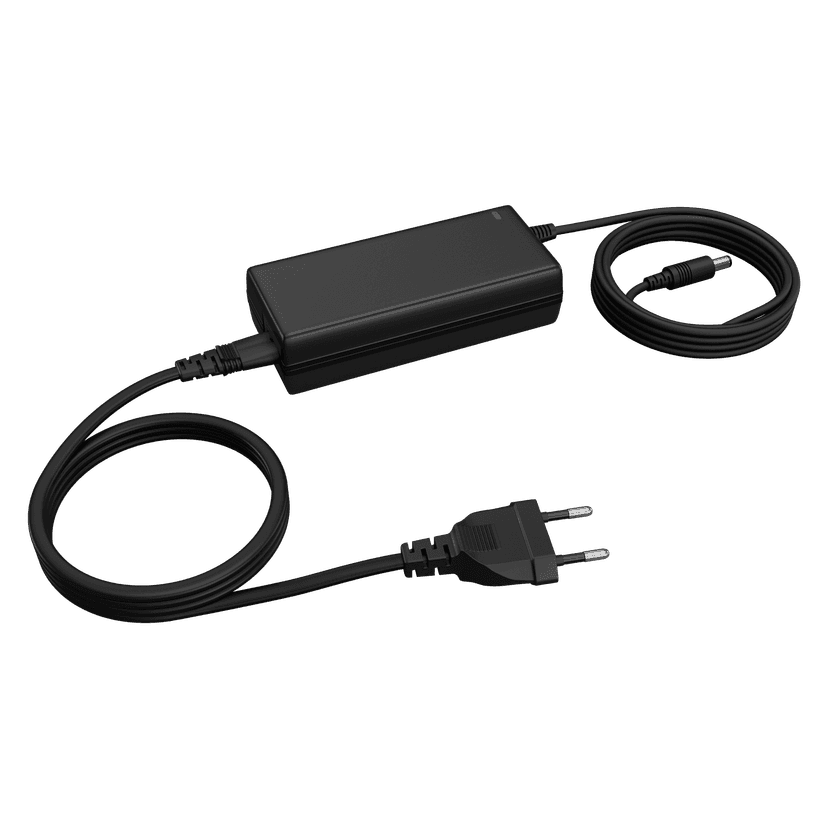
  • Jabra PanaCast 50 Power Supply

    x xxx,xx xx(x xxx,xx xx x xxx xxx)
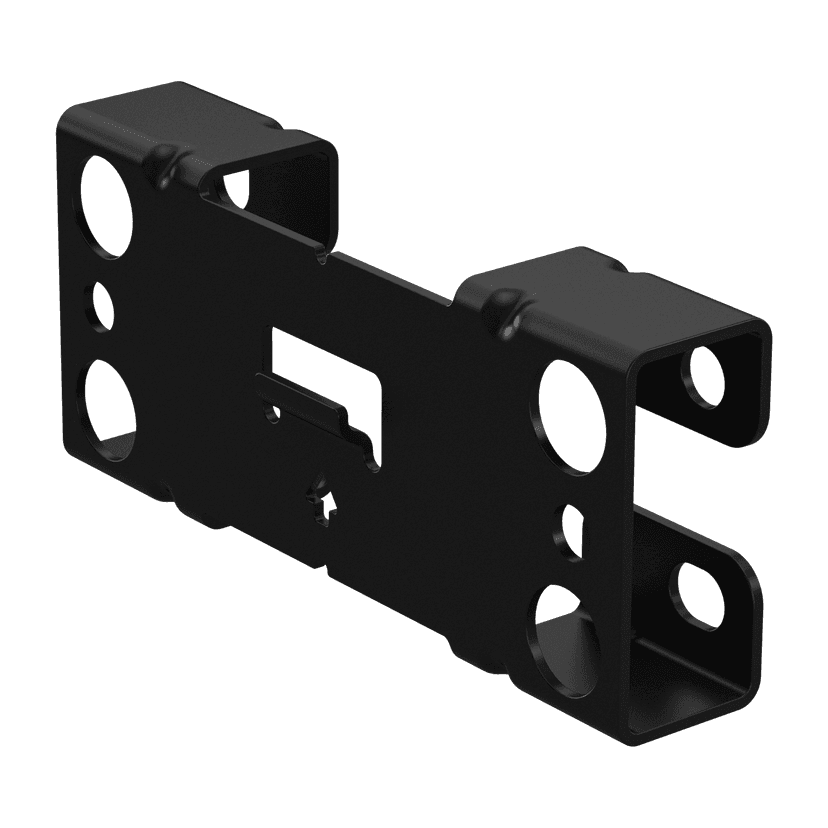
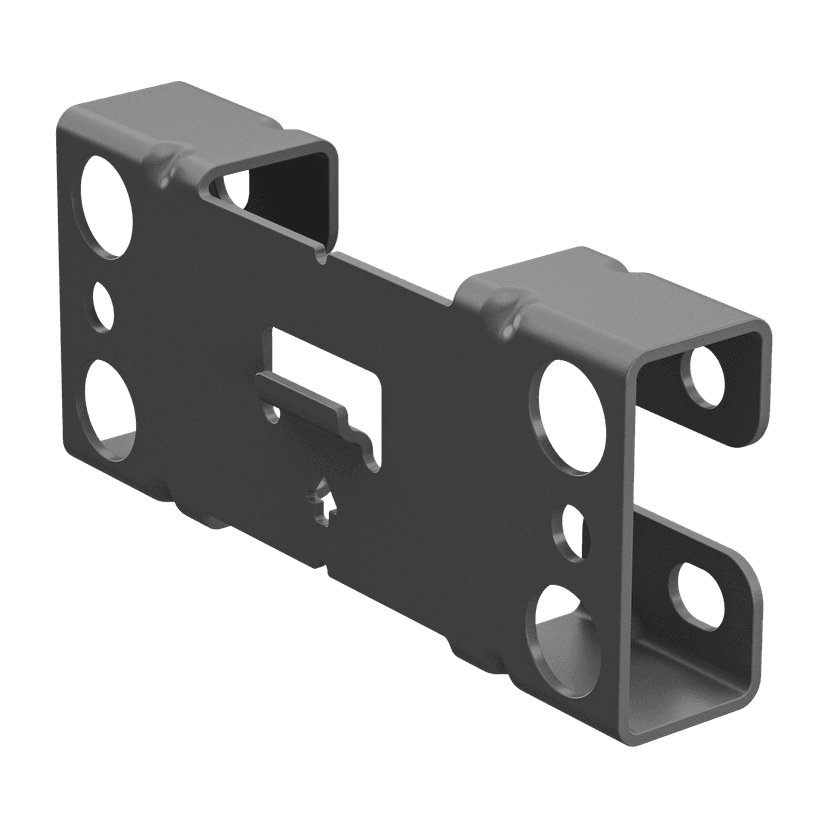
  • Uchwyt ścienny Jabra PanaCast 50 – czarny
    x xxx,xx xx(x xxx,xx xx x xxx xxx)
  • Uchwyt ścienny Jabra PanaCast 50 – szary
    x xxx,xx xx(x xxx,xx xx x xxx xxx)
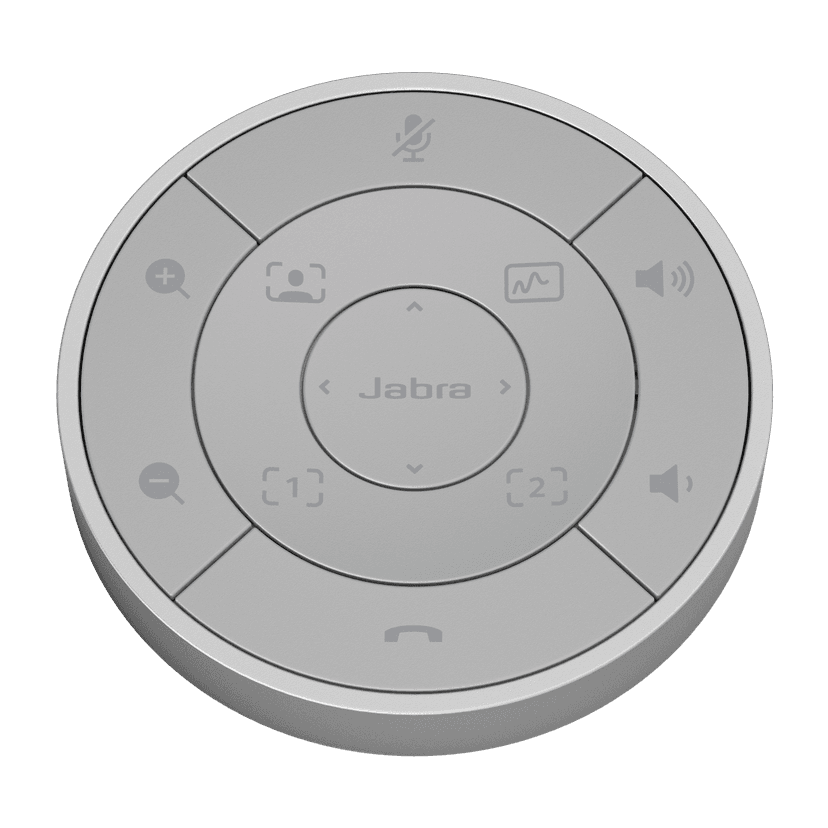
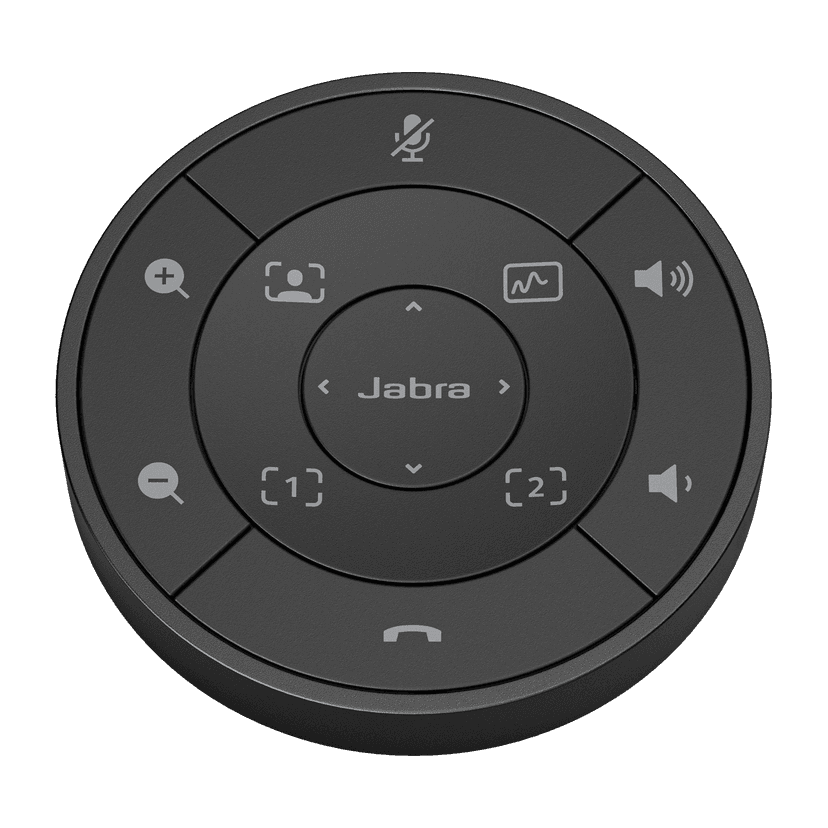
  • Pilot Jabra PanaCast 50 – czarny

    x xxx,xx xx(x xxx,xx xx x xxx xxx)
  • Pilot Jabra PanaCast 50 – szary

    x xxx,xx xx(x xxx,xx xx x xxx xxx)
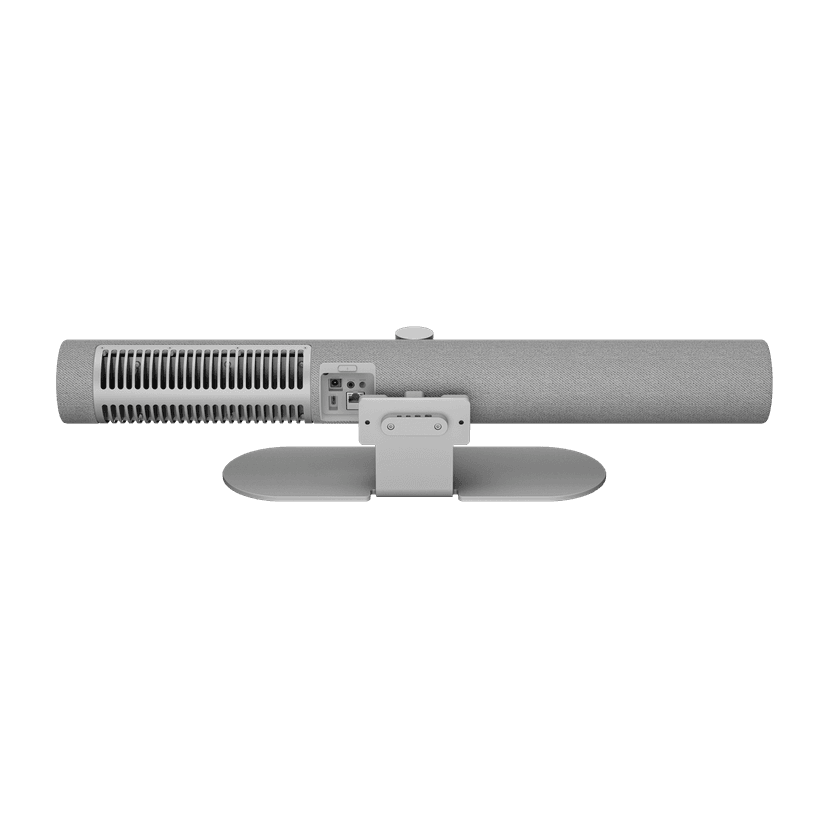
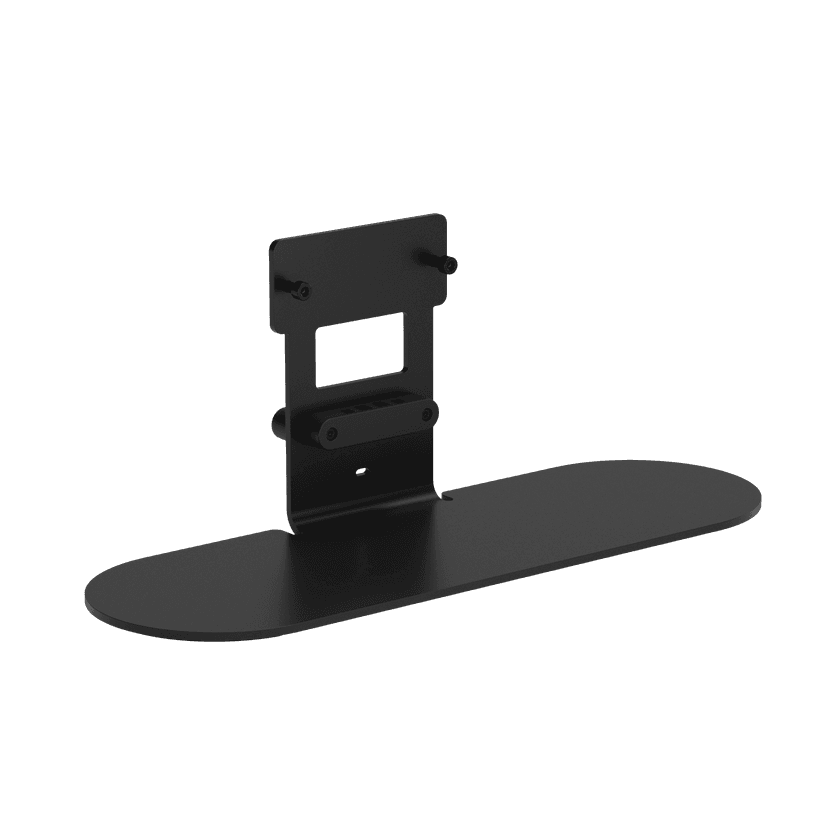
  • Stojak na stół Jabra PanaCast 50 – szary
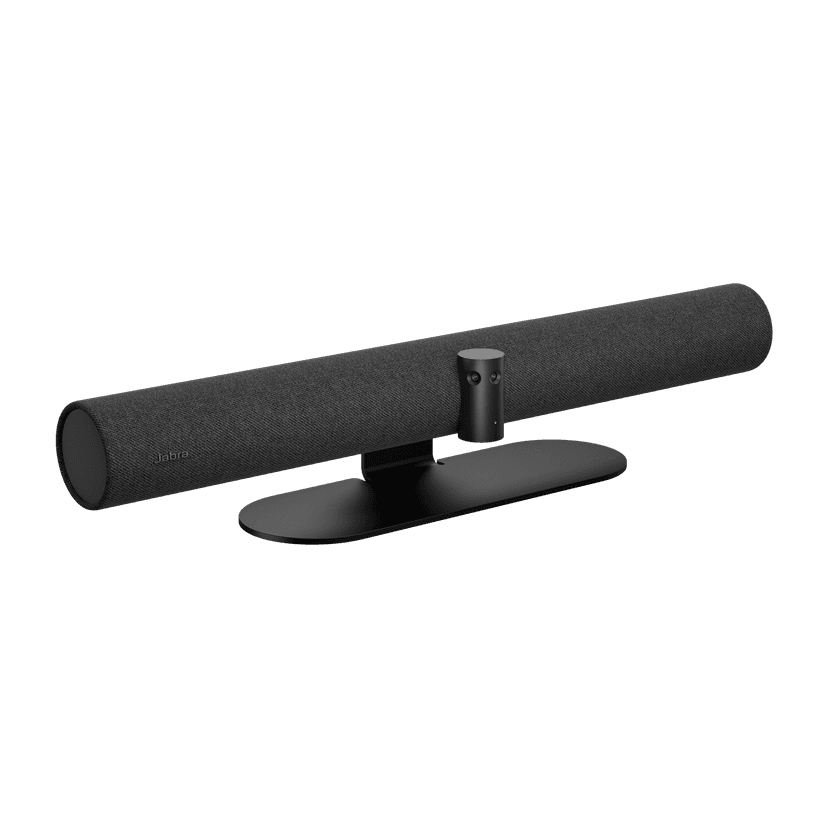
    x xxx,xx xx(x xxx,xx xx x xxx xxx)
  • Stojak na stół Jabra PanaCast 50 – czarny
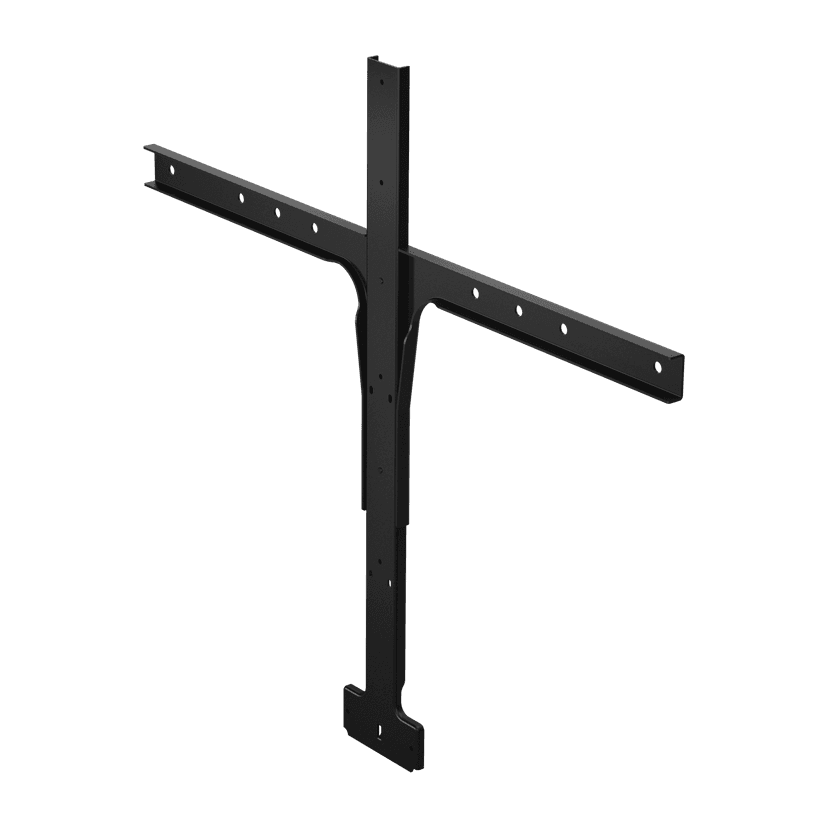
    x xxx,xx xx(x xxx,xx xx x xxx xxx)
  • Uchwyt do ekranu Jabra PanaCast 50

    x xxx,xx xx(x xxx,xx xx x xxx xxx)
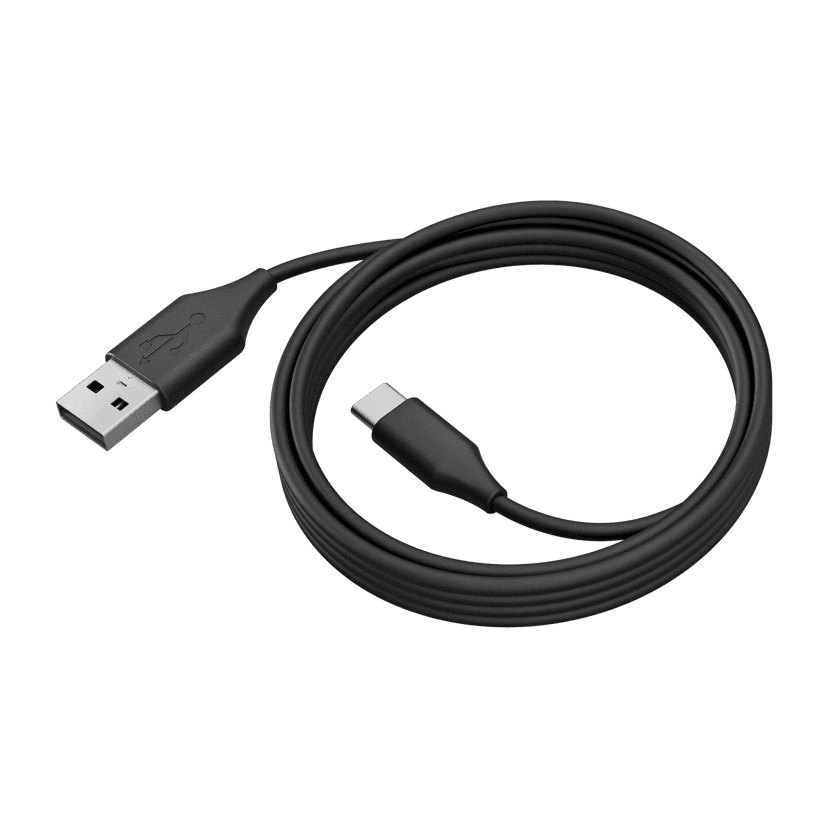
  • Jabra PanaCast 50 USB Cable - USB 3.0, 2m
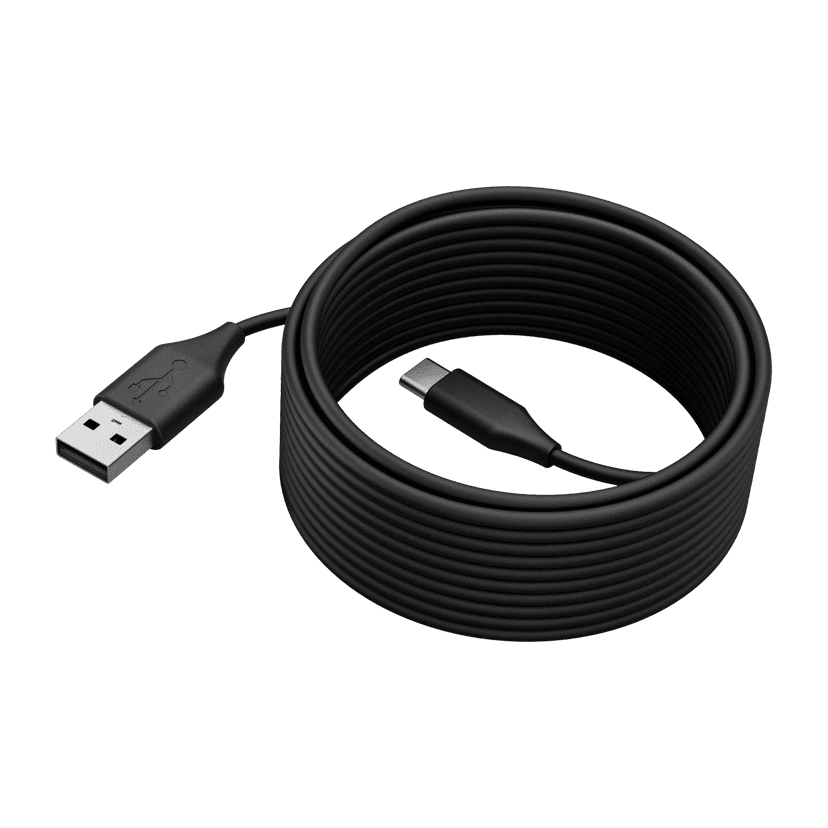
    x xxx,xx xx(x xxx,xx xx x xxx xxx)
  • Jabra PanaCast 50 USB Cable - USB 2.0, 5m
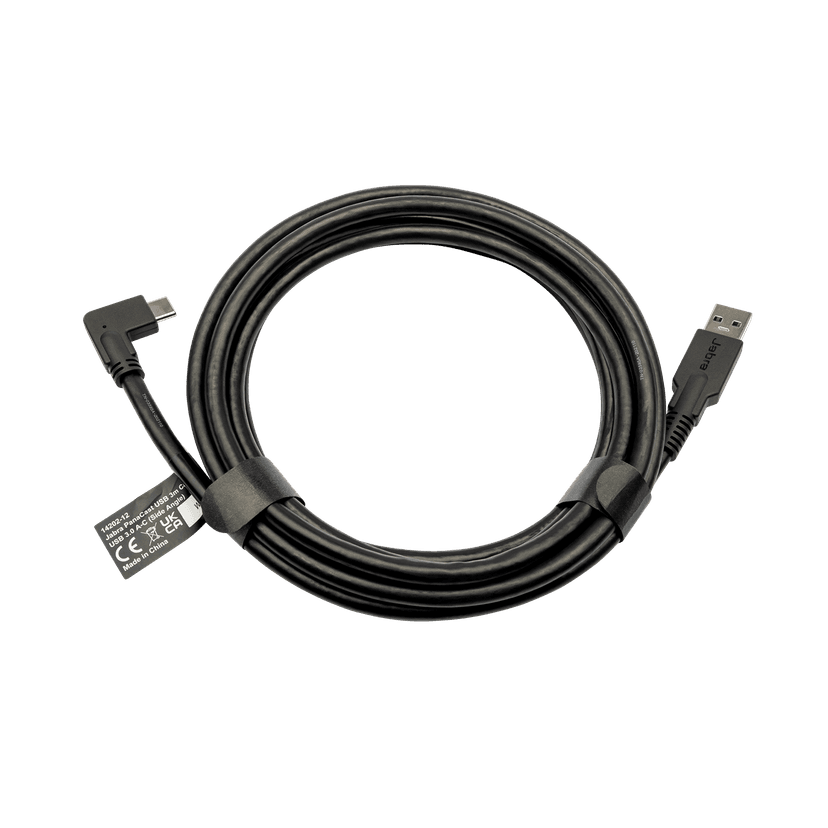
    x xxx,xx xx(x xxx,xx xx x xxx xxx)
  • Jabra PanaCast USB Cable (USB-A to USB-C) - 3m
    x xxx,xx xx(x xxx,xx xx x xxx xxx)
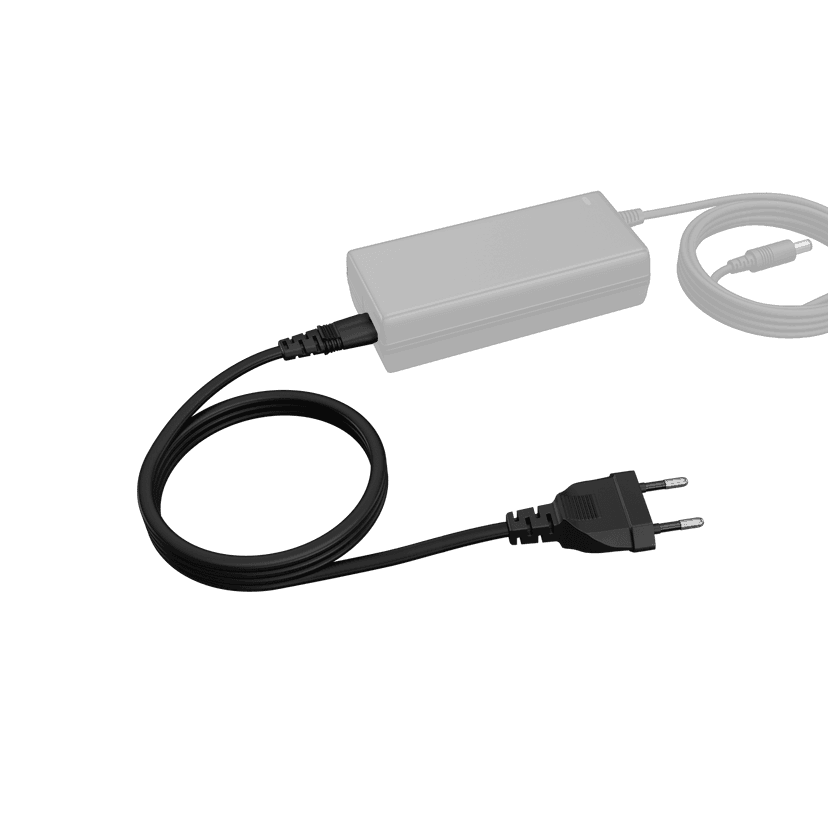
  • Jabra PanaCast 50 Power Cable

    x xxx,xx xx(x xxx,xx xx x xxx xxx)
  • Jabra Table Stand

    x xxx,xx xx(x xxx,xx xx x xxx xxx)

Ten produkt jest kompatybilny z następującymi urządzeniami lub systemami

  • Telefon programowy:


    Kompatybilny

  • Telefon stacjonarny:


    Niekompatybilny

  • Telefon/tablet:


    Niekompatybilny

  • Przewodnik zgodności


    Znajdź odpowiedni produkt Jabra dla swojego urządzenia

  1. Jabra PanaCast 50

O nas

  • Nasza historia
  • Praca
  • Zrównoważony rozwój
  • Wiadomości i komunikaty prasowe
  • Blog firmy Jabra
  • Studium przypadku
  • Nasza historia
  • Praca
  • Zrównoważony rozwój
  • Wiadomości i komunikaty prasowe
  • Blog firmy Jabra
  • Studium przypadku

Zasoby wsparcia

  • Wsparcie w zakresie produktów
  • Podręczniki użytkownika
  • Instrukcja parowania Bluetooth
  • Przewodnik po zgodności
  • Filmy instruktażowe
  • Akcesoria
  • Zidentyfikuj swój produkt
  • Samodzielna naprawa
  • Wsparcie w zakresie produktów
  • Podręczniki użytkownika
  • Instrukcja parowania Bluetooth
  • Przewodnik po zgodności
  • Filmy instruktażowe
  • Akcesoria
  • Zidentyfikuj swój produkt
  • Samodzielna naprawa

Najczęściej zadawane pytania

  • Jaki zestaw słuchawkowy jest dobry dla Skype?
  • Jaki zestaw słuchawkowy jest odpowiedni dla iPhone?
  • Czy zestawy słuchawkowe z technologią Bluetooth są bezpieczne?
  • Jaki zestaw słuchawkowy jest dobry dla Skype?
  • Jaki zestaw słuchawkowy jest odpowiedni dla iPhone?
  • Czy zestawy słuchawkowe z technologią Bluetooth są bezpieczne?

Skontaktuj się z nami

  • Skontaktuj się z działem sprzedaży Jabra
  • Zamówienia online
  • Zarejestruj swój produkt
  • Zostań sprzedawcą
  • Firmowe zasady końca okresu eksploatacji
  • Program deweloperski
  • Skontaktuj się z działem sprzedaży Jabra
  • Zamówienia online
  • Zarejestruj swój produkt
  • Zostań sprzedawcą
  • Firmowe zasady końca okresu eksploatacji
  • Program deweloperski
GN logo
  • Znaki towarowe
  • Bezpieczeństwo i ostrzeżenia
  • Polityka dotycząca plików cookie
  • Zmiana zgody na pliki cookie
  • Deklaracje zgodności
  • Zastrzeżenia handlowe
  • Polityka prywatności
  • Centrum bezpieczeństwa
  • Licencje Open Source
Dokument
Recessed Wall Mount (ADA) assembly instructions
Język
AngielskiAngielski
Typ
pdf
Rozmiar
716.1 KB
Pobierz
Dokument
Dane techniczne
Język
  • AngielskiAngielski
  • DuńskiDuński
  • NiemieckiNiemiecki
  • Angielski (ANZ)Angielski (ANZ)
  • Angielski (EMEA)Angielski (EMEA)
  • Angielski (Indie)Angielski (Indie)
  • Angielski (UK/HK/SG)Angielski (UK/HK/SG)
  • HiszpańskiHiszpański
  • FrancuskiFrancuski
  • JapońskiJapoński
  • HolenderskiHolenderski
  • Chiński uproszczonyChiński uproszczony
Typ
pdf
Rozmiar
621.7 KB
Pobierz
  • Wszystkie kategorie
Co oznacza informacja, że moje urządzenie Jabra posiada certyfikat Zoom?
Co oznaczają różne diody LED w Jabra PanaCast 50?
Co się stanie, jeśli nie dokonam aktualizacji mojego urządzenia Jabra za pomocą automatycznej aktualizacji oprogramowania sprzętowego?
Co się stanie, jeśli opóźnię automatyczną aktualizację oprogramowania sprzętowego mojego urządzenia Jabra?
Co to jest Jabra Direct?
Wyświetlanie 5 z 64
Plik
Jabra Direct
Platforma
macOS
Język
AngielskiAngielski
Data premiery
2026/05/27
Wersja
8.1.14601
Pobierz
Uwaga dotycząca wydania
Plik
Jabra Direct
Platforma
Windows
Język
AngielskiAngielski
Data premiery
2026/05/27
Wersja
8.1.14601
Pobierz
Uwaga dotycząca wydania
  • Data premiery:

    Październik 01, 2025
    Wersja wydania:9.3.6 Value Pack 6 Service Release 1

    Updated:

    • Bluetooth on the Jabra PanaCast 50 will now be set to off by default.
      • Units with a Jabra PanaCast 50 Remote already paired will be unaffected.
      • Units using Jabra Sound+ as a remote and an unmanaged device can enable Bluetooth by pressing and holding the Bluetooth button on the PanaCast 50 for 5 seconds followed by a confirmation tone.

    Security Updates:

    • Rollback prevention has been added to the Jabra PanaCast 50, it will not longer be possible to downgrade firmware past version 9.3.6.

    Minor performance and stability improvements 


  • Data premiery:

    Styczeń 14, 2025
    Wersja wydania:9.0.5

    New Features:

    • Enabled 3.5mm AUX-Out for Assistive Listening Devices
      • For further details, please click here

    Updated:

    • Updated microphone performance while participants are speaking at the same time

    Fixed:

    • A rare circumstance where a connection would be rejected with certain SSID/Password combinations

    Minor performance and stability improvements 


  • Data premiery:

    Wrzesień 12, 2024
    Wersja wydania:8.1.0

    Updated:

    • Improvements to security and stability

    Minor performance and stability improvements

  • Data premiery:

    Lipiec 16, 2024
    Wersja wydania:8.0.7 (Value Pack 5)

    Please note: The Citrix VDI issue present in 6.6.5 has been resolved in this release, customers using Citrix VDI may update to this version.

    New Features:

    • Multi-Stream Dynamic Composition for Microsoft Teams Rooms on Windows*
      •  For further details, please click here.

    Requirements:

    • Multi-Stream Dynamic Composition requires a USB 3.0 connection*

    Minor performance and stability improvements

    Public release note edited on August 1, 2024.

  • Data premiery:

    Marzec 18, 2024
    Wersja wydania:6.6.5

    Please Note: Citrix VDI users should not update to this version, remain on your current deployed version and await future updates.

    Details

    • New feature: Option to input a proxy CA certificate to setup the Jabra PanaCast 50 network connection*
    • Updated: Improved AI person detection when the PanaCast 50 is mounted above the display
    • Updated: Video quality improvements for sharpness and saturation
    • Updated: Video quality improvements for framing and zoom levels
    • Performance and stability improvements

    * Requires Jabra Direct version 6.14.08801

    Public release note, edited April 19, 2024

  • Data premiery:

    Grudzień 15, 2023
    Wersja wydania:6.5.1

    Details

    • Fixed: Issue with misaligned whiteboard area in certain scenarios
      •  May require the area to be redefined
    • Fixed: Issue with no video stream in certain scenarios
    • Performance and stability improvements
  • Data premiery:

    Październik 03, 2023
    Wersja wydania:6.2.2

    Details

    • New feature: Intelligent Meeting Space - In Jabra Direct, you can now define a meeting space and only frame participants within that space. This works especially well in meeting rooms with glass walls and even in open spaces with no walls at all*
    • New feature: Microsoft Intelligent Speaker for Teams Rooms - Uses voice profile (max 10 per meeting) information to recognize who said what in transcripts and recaps from a Microsoft Teams Room meeting
    • New feature: People Counting Toggle - Allows anonymous people counting and LED to be toggled on/off in Jabra Direct*
    • New feature: Power Management: In BYOD mode, the Jabra PanaCast 50 will enter a power saving mode once there is no activity detected on the USB connection and enter into normal mode as soon as there is activity detected on the USB connection
    • Updated: Sensor stability - Reduces framing changes when people move between sensors
    • Performance and stability improvements

    *Requires Jabra Direct 6.10.25001

  • Data premiery:

    Sierpień 04, 2023
    Wersja wydania:5.2.1

    Details

    • Fixed: PanaCast 50 now works with USB 2.0 in Dynamic Composition mode
    • Fixed: Green screen issue for some users in VDI environments
    • Performance and stability improvements
  • Data premiery:

    Luty 22, 2023
    Wersja wydania:5.1.0

    Details

    • New feature: Enables a Panacast 50 to be connected to a wired or wireless network using the network name (SSID) and a password*
    • New feature: 802.11r support added
    • Updated: Enhancement to Panacast 50 firmware update process with security policies that block USB Mass Storage devices
    • Performance and stability improvements

    *Requires Jabra Direct version 6.6.03101

  • Data premiery:

    Listopad 30, 2022
    Wersja wydania:5.0.4

    Details

    • New feature: Status LED will now blink every 5 seconds to represent camera in standby mode with anonymous people count active but no live video streaming. Live video stream status is still represented by a solid white LED.
    • Performance and stability improvements

    Public release note, edited December 5, 2022.

Pełna historia wydań