Jabra Logo
Jabra Logo

Get started with your product

Support resources

Documents

Loading component...

FAQs

Loading component...

Firmware and software

Loading component...

Latest release notes

Loading component...

Find the serial number

Find your product serial number before checking the warranty.

Contact Jabra Support

Videos

  • How to

    Pair and connect

  • How to

    Get the best fit and performance

  • How to

    Get the best fit and performance (Convertible)

  • How to

    Use the on-screen menu system

  • How to

    Set up the training and conference feature

  • How to

    Set up with a computer

  • How to

    Set up with a desk phone

  • How to

    Keep your headset working

Find more videos on Youtube

Warranty check

See the warranty coverage for your product

Jabra ServiceNet

Manage your warranty replacements and returns in our online self-service portal

Warranty terms

Read our warranty and service information for business products

Product registration

Get news from Jabra, offers and tips sent directly to your inbox

Accessories
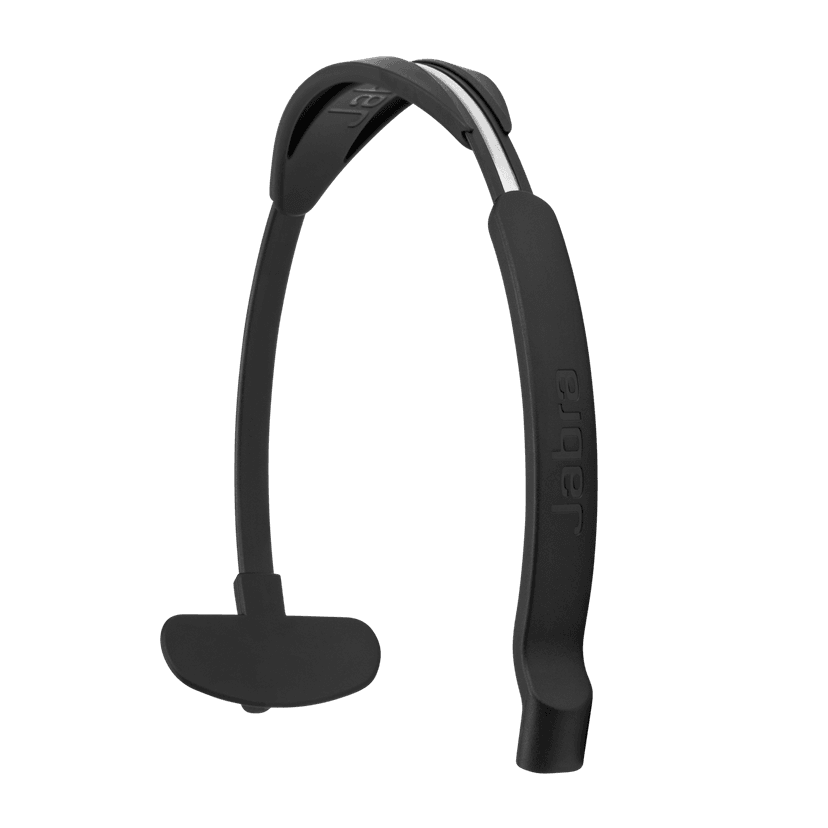
  • Jabra Engage Mono Headband

    x xxx,xx xx(x xxx,xx xx x xxx xxx)
  • Jabra Engage Ear Cushions – 5 pairs for Stereo headset
    x xxx,xx xx(x xxx,xx xx x xxx xxx)
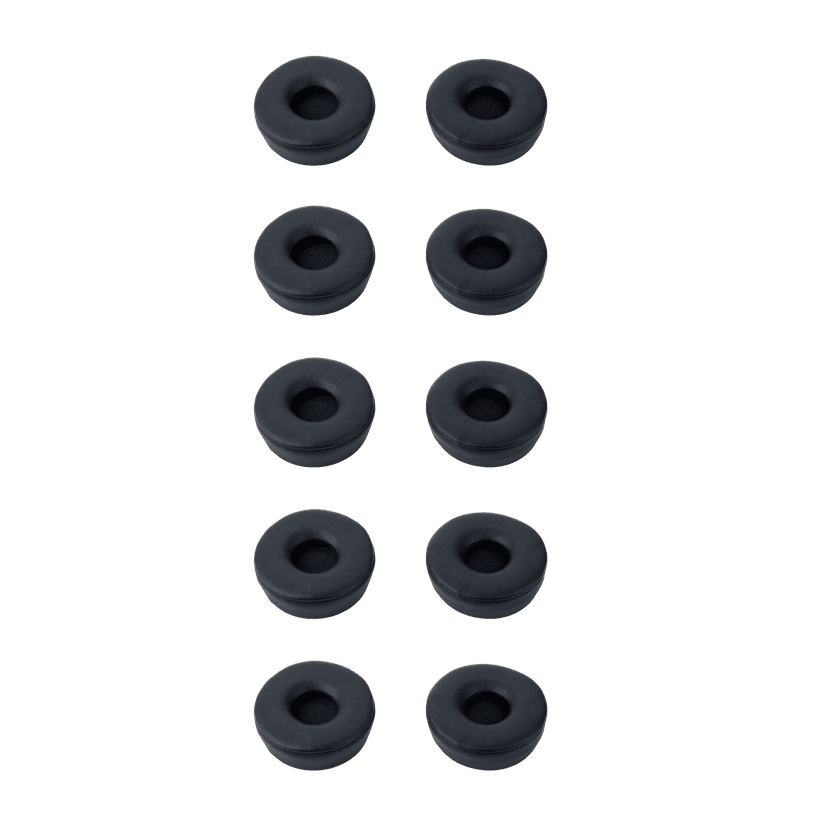
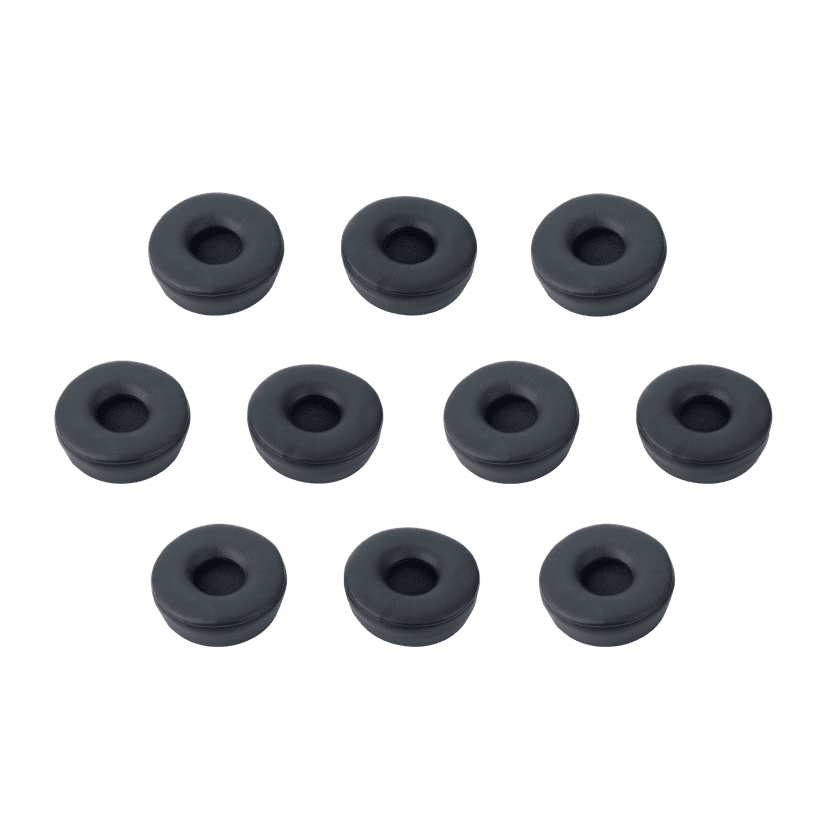
  • Jabra Engage Ear Cushions – 10 pieces for Mono headset
    x xxx,xx xx(x xxx,xx xx x xxx xxx)
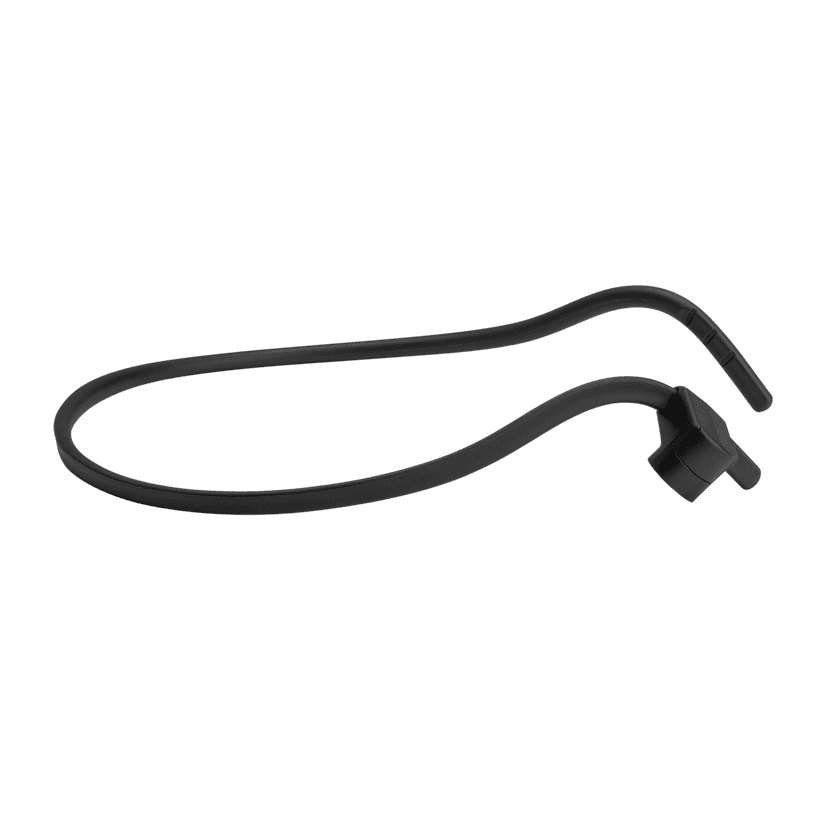
  • Jabra Engage Mono Neckband

    x xxx,xx xx(x xxx,xx xx x xxx xxx)
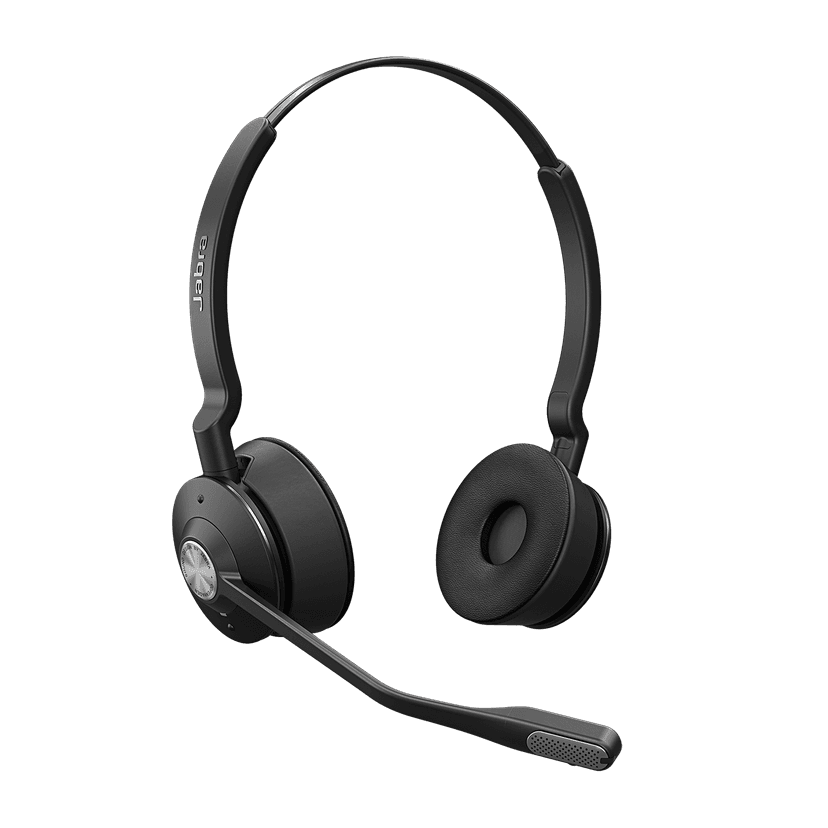
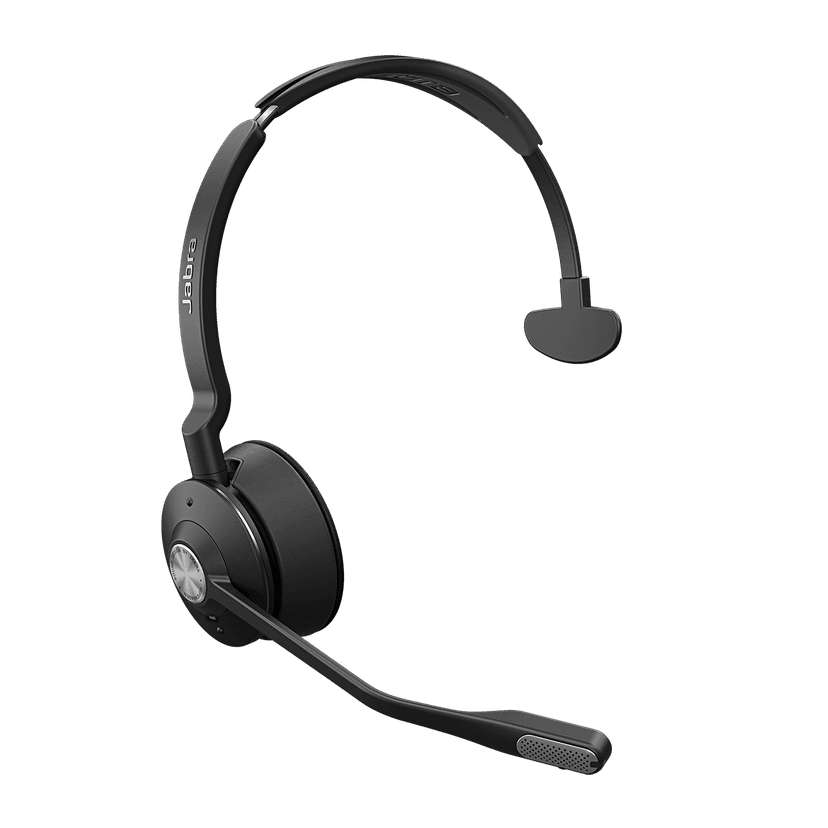
  • Jabra Engage Stereo Replacement Headset
    x xxx,xx xx(x xxx,xx xx x xxx xxx)
  • Jabra Engage Mono Headset

    x xxx,xx xx(x xxx,xx xx x xxx xxx)
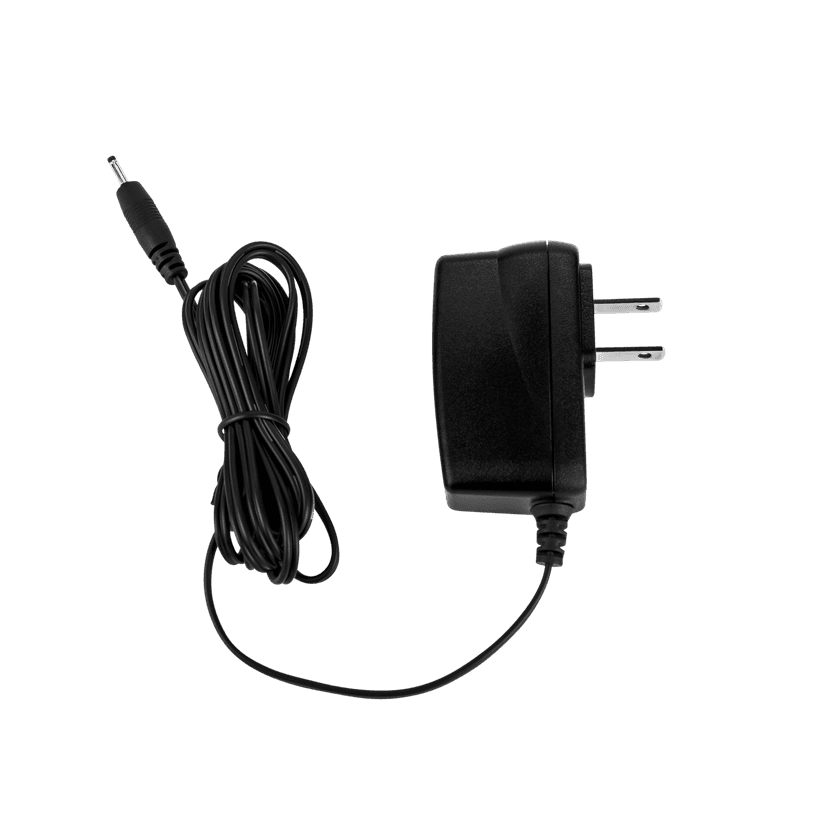
  • Jabra Engage Power Supply - NA

    x xxx,xx xx(x xxx,xx xx x xxx xxx)
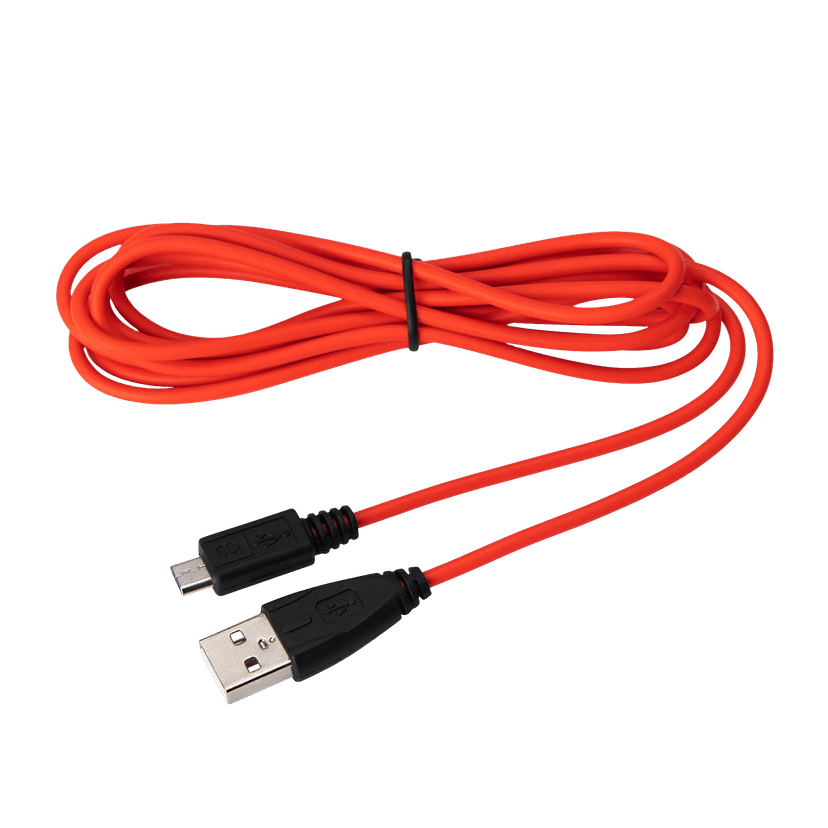
  • Jabra Evolve USB-A Cable

    x xxx,xx xx(x xxx,xx xx x xxx xxx)
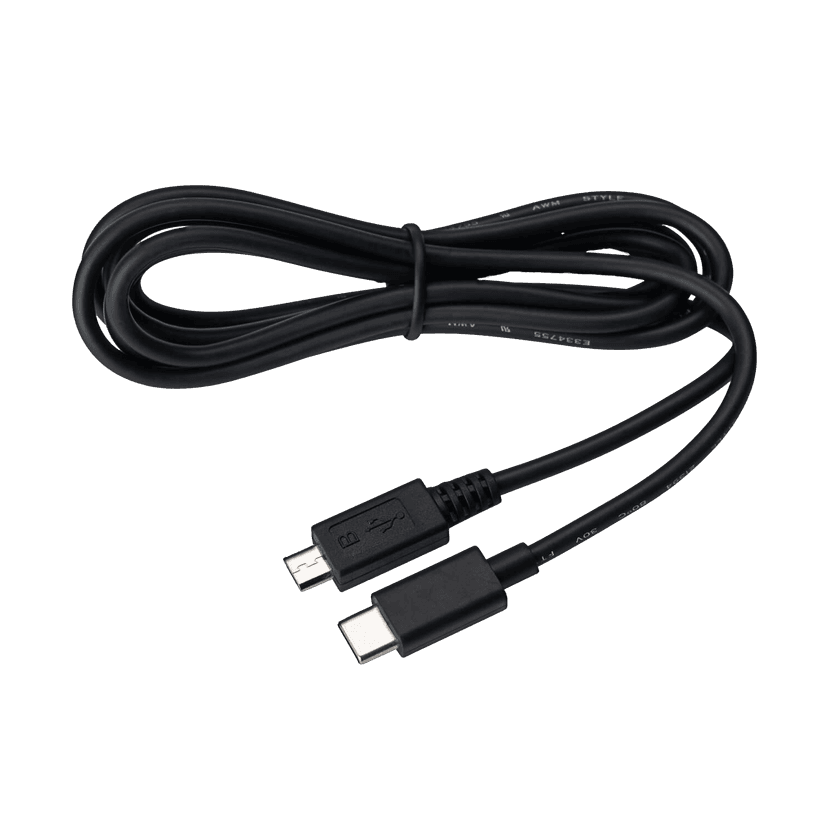
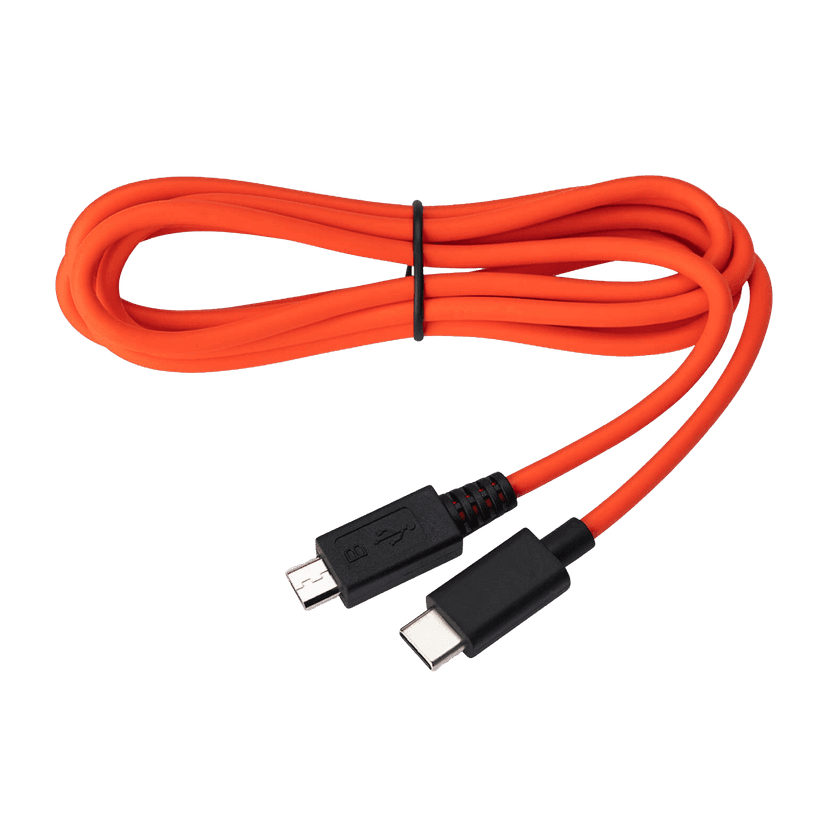
  • Jabra USB-C to Micro-USB Cable - Black
    x xxx,xx xx(x xxx,xx xx x xxx xxx)
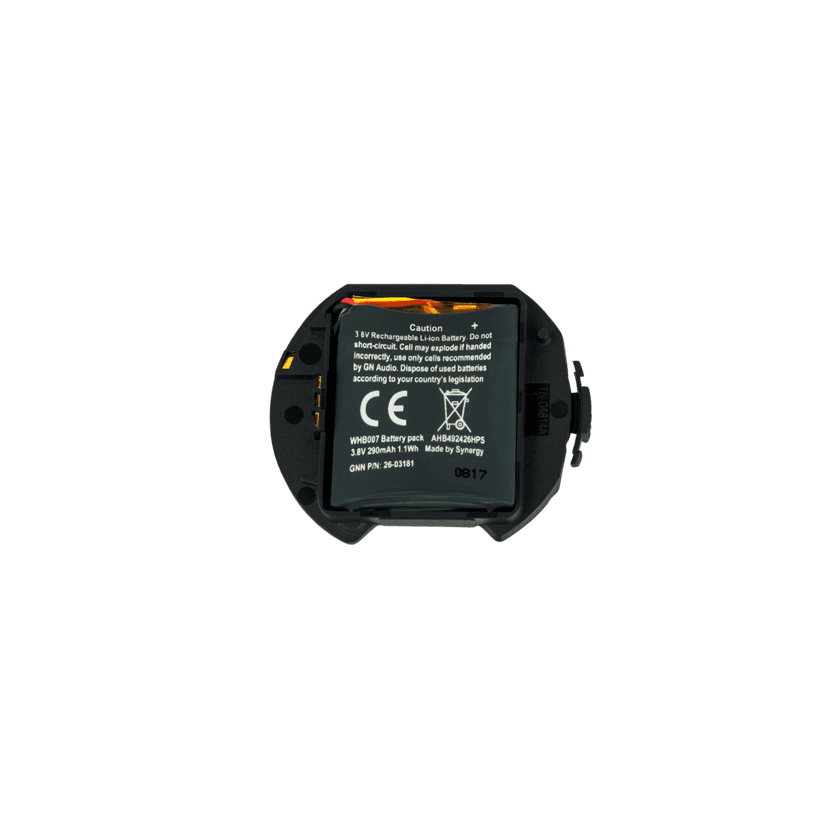
  • Jabra USB-C to Micro-USB Cable - Black - Tangerine
    x xxx,xx xx(x xxx,xx xx x xxx xxx)
  • Jabra Engage Battery Pack

    x xxx,xx xx(x xxx,xx xx x xxx xxx)
  • Jabra Engage Headband Pad - Black, 5 pieces
    x xxx,xx xx(x xxx,xx xx x xxx xxx)
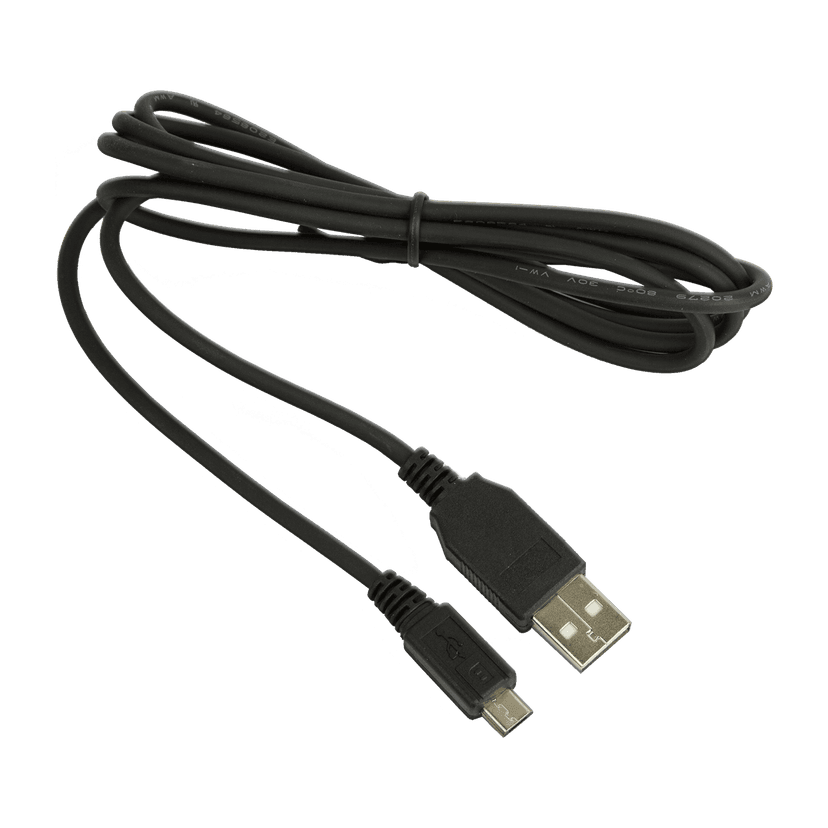
  • Jabra USB-A to Micro-USB Cable

    x xxx,xx xx(x xxx,xx xx x xxx xxx)

This product is compatible with the following devices or systems

  • Deskphone:


    Compatible

  • Softphone:


    Compatible

  • Mobile/Tablet:


    Compatible

  • Compatibility Guide


    Find the right headset for your device

  1. Jabra Engage 75

About us

  • Our Story
  • Careers
  • Sustainability
  • News and press releases
  • Read our blog
  • Case studies
  • Our Story
  • Careers
  • Sustainability
  • News and press releases
  • Read our blog
  • Case studies

Support resources

  • Product support
  • User manuals
  • Bluetooth pairing guides
  • Compatibility Guide
  • How-to videos
  • Accessories
  • Identify your product
  • Self Service Repair
  • Product support
  • User manuals
  • Bluetooth pairing guides
  • Compatibility Guide
  • How-to videos
  • Accessories
  • Identify your product
  • Self Service Repair

FAQs

  • Bluetooth vs. DECT
  • How wireless headphones work
  • What is a good headset for iPhone?
  • What is a good headset for Skype?
  • Are Bluetooth headsets safe?
  • What is Spatial Sound?
  • Bluetooth vs. DECT
  • How wireless headphones work
  • What is a good headset for iPhone?
  • What is a good headset for Skype?
  • Are Bluetooth headsets safe?
  • What is Spatial Sound?

Get in touch

  • Contact Jabra Sales
  • Online Store Support
  • Contact Jabra Support
  • Register your product
  • Warranty terms
  • Become a Reseller
  • Enterprise end of life policy
  • Developer Zone
  • Contact Jabra Sales
  • Online Store Support
  • Contact Jabra Support
  • Register your product
  • Warranty terms
  • Become a Reseller
  • Enterprise end of life policy
  • Developer Zone
GN logo
  • Trademarks
  • Safety and Warning
  • Cookie Policy
  • Change Cookie Consent
  • Declarations of Conformity
  • Commercial Disclaimers
  • Privacy Policy
  • Security Center
  • Open Source Licenses
Document
User manual
Language
  • PolishPolish
  • CzechCzech
  • DanishDanish
  • GermanGerman
  • EnglishEnglish
  • ItalianItalian
  • JapaneseJapanese
  • DutchDutch
  • RussianRussian
  • SwedishSwedish
  • TurkishTurkish
  • Chinese SimplifiedChinese Simplified
  • Chinese TraditionalChinese Traditional
  • Canadian FrenchCanadian French
  • FrenchFrench
  • Brazilian PortugueseBrazilian Portuguese
  • PortuguesePortuguese
  • Latin American SpanishLatin American Spanish
  • SpanishSpanish
Type
pdf
Size
4.4 MB
Download
Document
Technical specifications
Language
  • GermanGerman
  • SpanishSpanish
  • FrenchFrench
  • EnglishEnglish
  • KoreanKorean
Type
pdf
Size
560.7 KB
Download
  • All categories
How do I manually reset my Jabra Engage 75 to the default settings?
How do I connect my Jabra Engage 75 with my computer?
How do I connect my Jabra Engage 75 with the base?
How do I pair my Jabra Engage 75 with my mobile device?
How do I manually update the firmware on my Jabra device using Jabra Direct?
Showing 5 of 140
File
Firmware
Platform
WindowsWindows
Language
MultilingualMultilingual
Release date
2025/11/04
Version
5.20.1
Download
Release note
File
Jabra Direct
Platform
macOSmacOS
Language
EnglishEnglish
Release date
2026/02/12
Version
6.27.03702
Download
Release note
  • Release date:

    November 04, 2025
    Release version:5.20.1

    Security Updates:

    • Firmware security enhancement.
  • Release date:

    September 25, 2024
    Release version:5.18.1

    Fixed:

    • Mute synchronization error with New Teams for macOS

    Security Updates:

    • Enhanced cradle/dock pairing security

    Minor performance and stability improvements

  • Release date:

    July 03, 2024
    Release version:5.17.1; Base firmware version: 5.17.1; Headset firmware version: 5.17.1

    New Features:

    • Pairing time out implemented
      • If the headset is put in pairing mode, and no connection is established after 5 minutes, and no previous connection is present the headset will power down.
      • If the headset is put in pairing mode, and no connection is established after 5 minutes, and a previous connection is present the headset will reconnect to previous connection.

    Fixed:

    • Base battery level did not match headset voice prompt
    • Engage 65 could reboot when connected to an ALE-300 phone on incoming call 

    Minor performance and stability improvements.

    Public release note edited on August 8, 2024.

  • Release date:

    January 17, 2023
    Release version:5.11.0; Base firmware version: 5.11.0; Headset firmware version: 5.11.0

    Details

    • Updated: motion sensor performance
    • Updated: pairing and connection performance of headset when used with Jabra Link 400
      • Connection updated so it looks for last connected device if the headset is powered on, without being docked in the base.
    • Updated: general audio level improvements
    • Updated: battery voice prompt and tone behaviors
    • Fixed: volume level adjustments with certain mobile phones
    • Fixed: secondary headset may disconnect in conference mode
    • Fixed: rare scenario where the headset would not reboot after an OTA firmware update using Jabra Link 400
    • Fixed: easy pairing not working if set to Always in Computer audio
    • Fixed: rare volume sync issue on Linux
    • Performance and stability improvements
  • Release date:

    December 15, 2022
    Release version:5.7.3; Base firmware version: 5.7.3; Headset firmware version: 5.6.0

    Details

    • Fixed: reboot when receiving an incoming Microsoft Teams call 
  • Release date:

    November 20, 2022
    Release version:5.7.2; Base firmware version: 5.7.2; Headset firmware version: 5.6.0

    Details

    • Performance and stability improvements
  • Release date:

    June 01, 2022
    Release version:5.6.0

    Details

    • New feature: added support for Jabra Link 400 for the Jabra Engage 65/75 headset top to be connected
    • New feature: added support for Jabra Engage 55
    • New feature: Jabra Engage 65/75 headset can be firmware updated Over-The-Air via Jabra Link 400
  • Release date:

    June 24, 2021
    Release version:4.4.1

    Details

    • Fixed: a rare issue causing the base to reboot when used with Mitel Telepo
    • Performance and stability improvements
       
  • Release date:

    June 09, 2020
    Release version:4.2.0

    Details

    • New features:
    •
    Supports data analytics integrations for the following:

       • DECT density and error logging*

       • Headset interaction logging*

       • Simple speech analytics*

       • Audio exposure logging*

       • Noise level guidance*
    • New feature: Call begin tone. Option to change default setting from “Call initiated” to “Audio initiated” so a tone is played in the headset when the audio link to the base is established**.
    • Fixed: the headset does not wake up from powernap on an incoming call.
    • Fixed: secondary headset docked in a base that are in powernap is not paired correctly the base in certain cases
    • Updated: headset does not re
    pair each time when connected to the base if easy pairing is set to on.   
    • Performance and stability improvements

    *available later in 2020 in Jabra Xpress and Jabra SDK.
    **requires that Audio announcements are set to Voice or Tones.

  • Release date:

    August 05, 2019
    Release version:3.4.1

    Details

    • New feature: A2DP support for music streaming
    • New feature: Superior and safe (Intellitone 2.0, Speech Level Normalization, Intelligent Acoustic Shock Protection) read more in the technical white paper: Safetone™located here: www.jabra.com/support-page/technical-whitepapers
    • Fixed: USB dropout experienced on some thin clients
    • Fixed: audio dropout when used for calls with Microsoft Teams
    • Performance and stability improvements
Complete release history